Projects › Thermal Monitor
System temperatures at a glance.
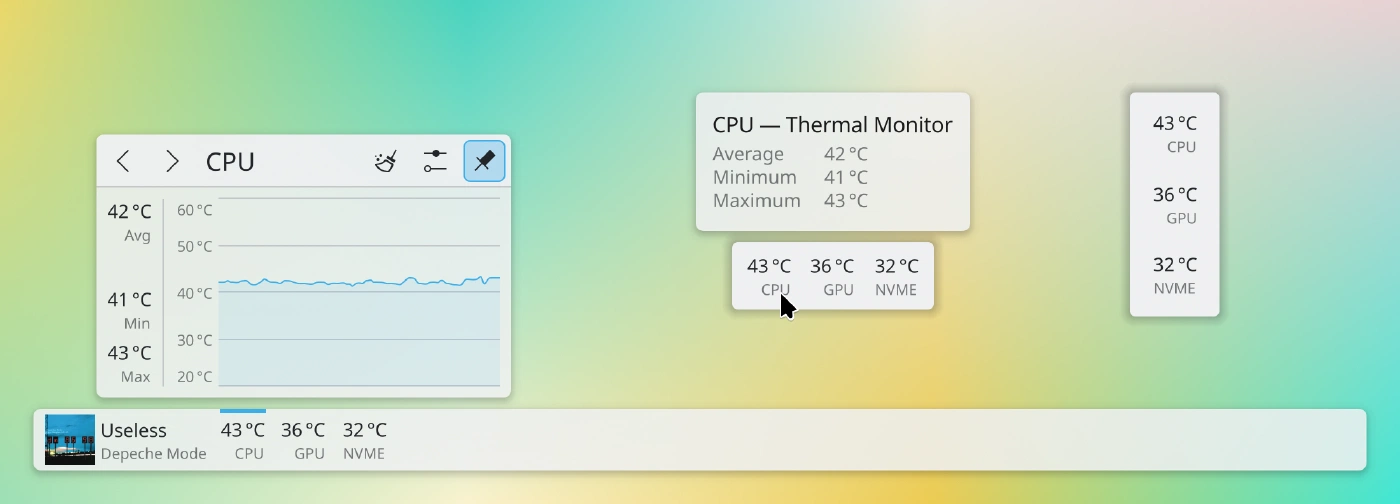
Plasmoid on the panel and desktop, with popup shown
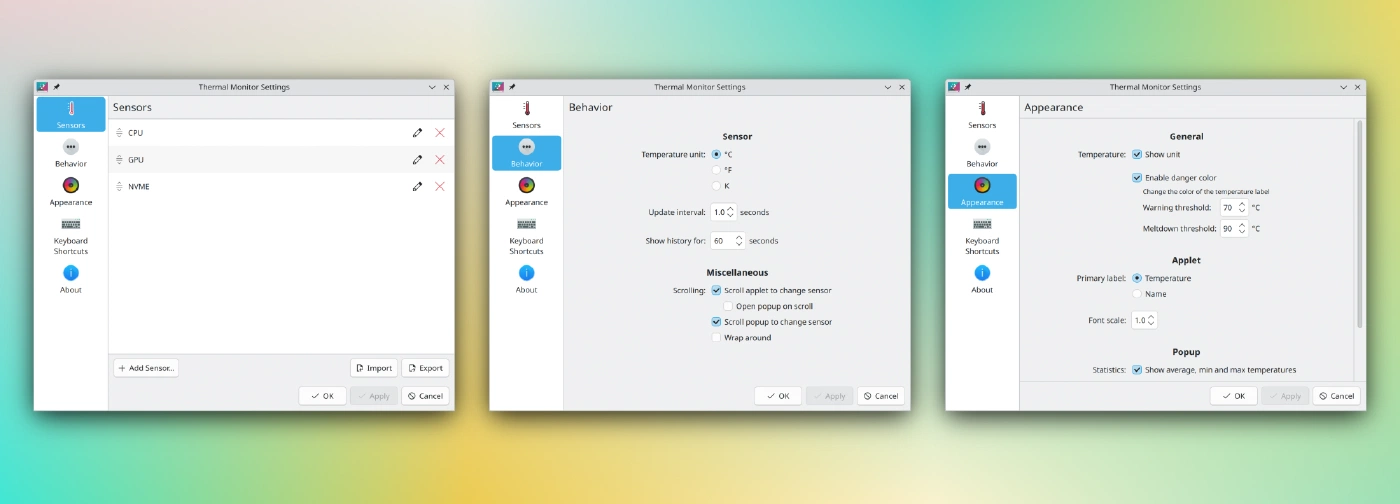
Settings pages
Inspired by:
- https://github.com/kotelnik/plasma-applet-thermal-monitor
- and its fork https://gitlab.com/agurenko/plasma-applet-thermal-monitor
This applet uses libksysguard for retrieving temperature information provided by ksystemstats.
Usage
Add the applet to either the panel or the desktop. To add sensors to display, click the applet and configure.
Sensors can be added and renamed through the “Add Sensors…” button. To export sensors to the clipboard, and copy from, the import/export buttons can be used.
The libraries ksystemstats, libksysguard, kitemmodels, kdeclarative, kquickcharts must be installed. They are dependencies of even a minimal Plasma installation, so they should already be installed.
Installation
It is recommended to install the applet via “Get New…” or Discover, which obtain the applet from the KDE Store. Manual installation is only required for development and testing.
There is no compiled content, so the plasmoid can be trivially installed by copying files.
It is necessary to restart Plasma after installing:
systemctl restart --user plasma-plasmashell.service
Script
./plasmoid-replace.sh
CMake
git clone https://invent.kde.org/olib/thermalmonitor.git
cd thermalmonitor
cmake . && sudo make install
Ensure you are using the correct branch. Plasma 5 users need to use branch kf5.
kdesrc-build
The applet can be installed into kdesrc-build’s prefix:
cmake -B build -DCMAKE_PREFIX_PATH="~/kde/usr" -DCMAKE_INSTALL_PREFIX="~/kde/usr"
cd build && make install
Uninstallation
If you have installed the applet via “Get New…” or Discover, you can remove it there.
Script
Simply remove ~/.local/share/plasma/plasmoids/org.kde.olib.thermalmonitor.
CMake
sudo make uninstall
There is no need to use sudo for kdesrc-build installations.