Projects › Pin Panel
Pin/unpin a Plasma panel.
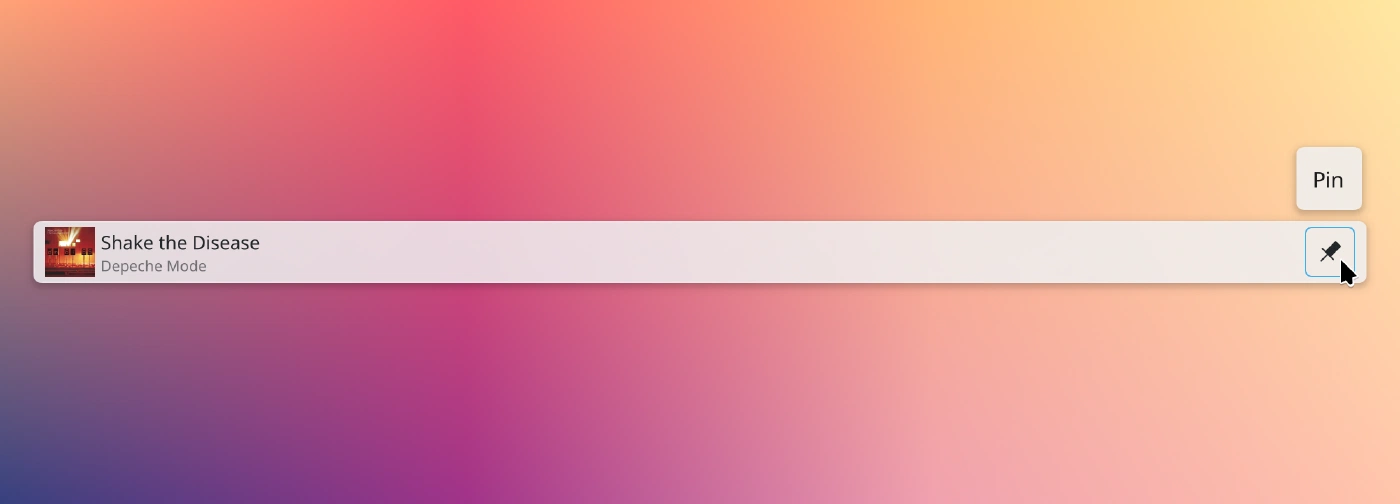
Plasmoid on the panel
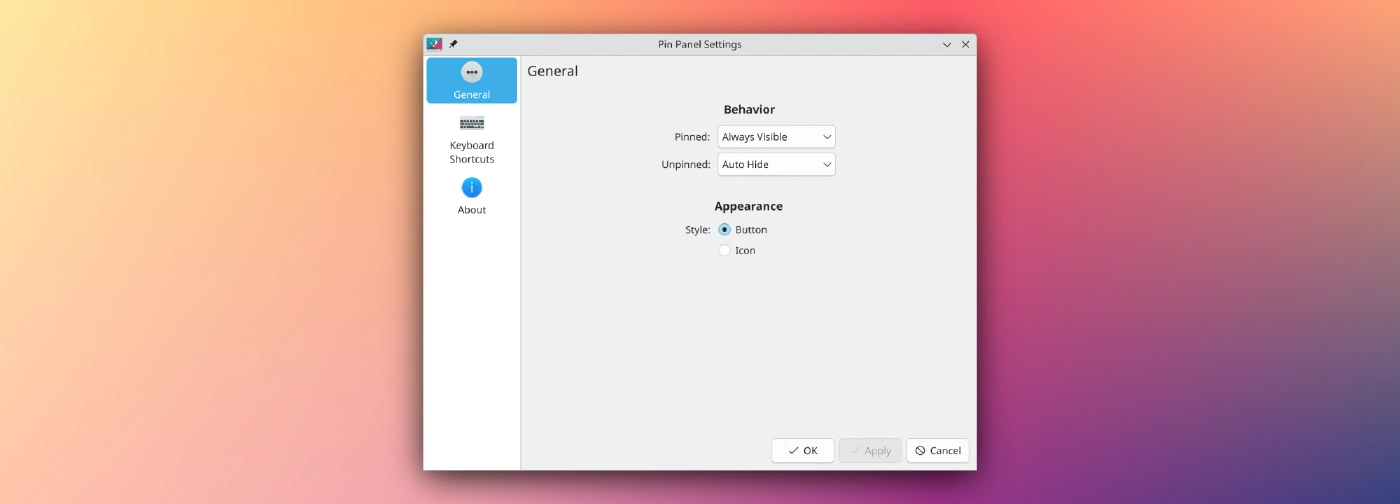
Settings page
Usage
Add the applet to a panel. To configure visibility modes for the pinned/unpinned state, configure the applet. To better tune sizing, consider the usage of a margins separator.
Installation
It is recommended to install the applet via “Get New…” or Discover, which obtain the applet from the KDE Store. Manual installation is only required for development and testing.
There is no compiled content, so the plasmoid can be trivially installed by copying files.
It is necessary to restart Plasma after installing:
systemctl restart --user plasma-plasmashell.service
Script
./plasmoid-replace.sh
CMake
git clone https://invent.kde.org/olib/pinpanel.git
cd pinpanel
cmake . && sudo make install
kdesrc-build
The applet can be installed into kdesrc-build’s prefix:
cmake -B build -DCMAKE_PREFIX_PATH="~/kde/usr" -DCMAKE_INSTALL_PREFIX="~/kde/usr"
cd build && make install
Uninstallation
If you have installed the applet via “Get New…” or Discover, you can remove it there.
Script
Simply remove ~/.local/share/plasma/plasmoids/org.kde.olib.pinpanel.
CMake
sudo make uninstall
There is no need to use sudo for kdesrc-build installations.